Getting started on a new platform always feels like more work than it should be. You sign up, get dropped into an interface you've never seen, and have to figure out where everything is. We designed Talkliv to make that first experience as smooth as possible. A little guidance never hurts. This Talkliv guide walks you through everything: creating your account, building a profile that works, finding people to connect with, and sending your first message.
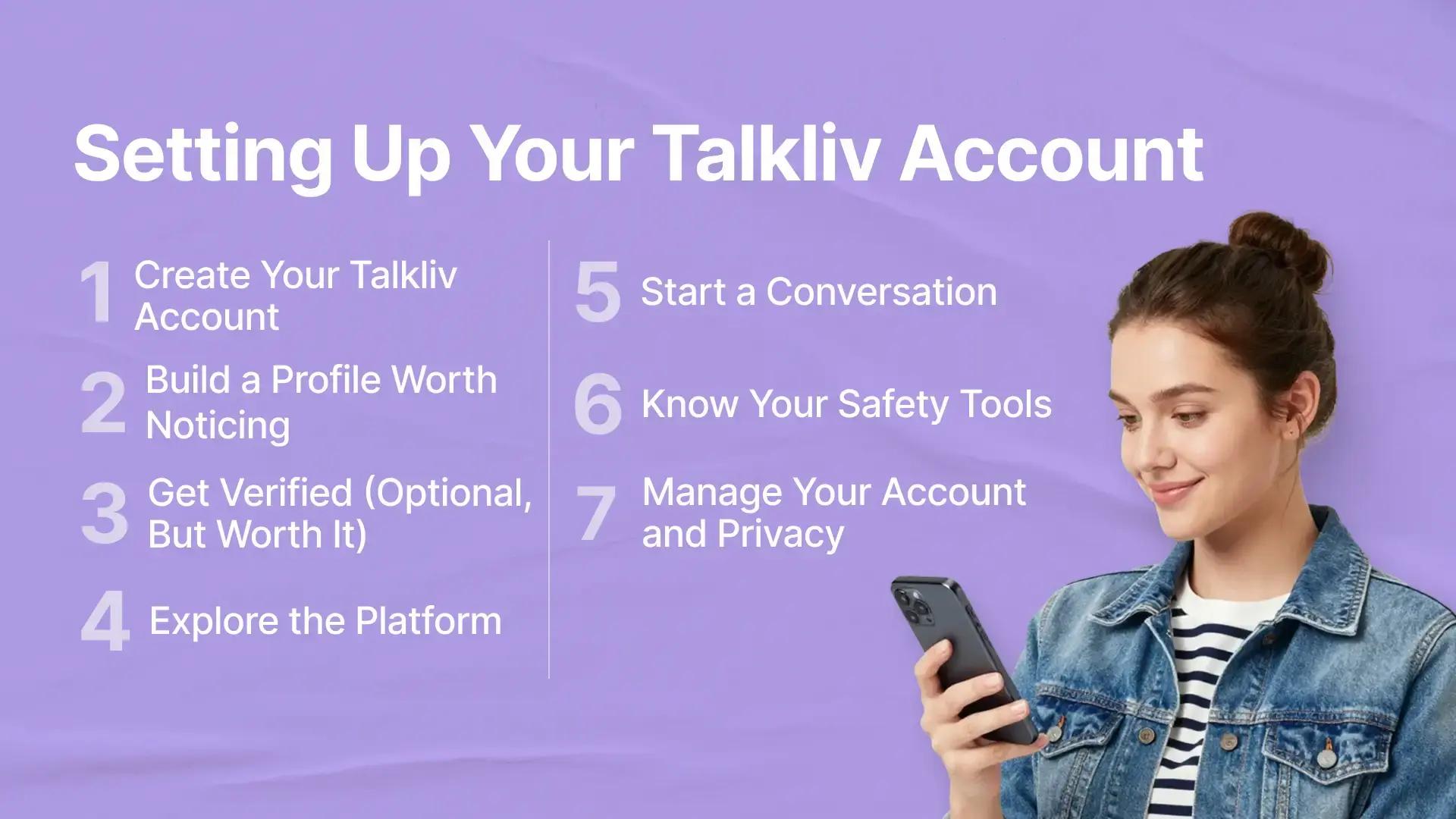
Step 1: Create Your Talkliv Account
Talkliv sign up asks for three things: a name, an email address, and your age. That's it. The whole process takes a few minutes.
A few things happen behind the scenes when you register:
-
Your username gets checked automatically against a list of prohibited terms. Anything that breaks our community standards is flagged and rejected before the account is created. This keeps the member base clean from day one.
-
Talkliv is an 18+ platform. If our system picks up signals that a user may be underage during sign-up, the account can't move forward until age is confirmed.
-
Your Talkliv login going forward runs through that same email address. Use one you actually check.
Once you confirm your email, you're in. Your Talkliv account is live and ready to set up.
Step 2: Build a Profile Worth Noticing
This is the step most people rush through, then wonder why they're not getting responses.
Your Talkliv profile is the first thing other members see before they decide whether to reach out. An empty or near-empty profile gives them almost nothing to go on. A fuller one gives them a reason to start a conversation.
Here's what to focus on:
-
Your photo. Every profile photo goes through our automated AI review before it appears publicly. Photos that violate our community guidelines (including nudity and sexually suggestive content) don't get published. Use a clear, appropriate photo that shows your face. Profiles with photos tend to attract more attention than those without.
-
Your bio. A few sentences about who you are and what you're interested in is enough. You don't need to write an essay. Just give people something to respond to.
-
Your personal details. Location, age, and a few basic details help our search filters surface your profile to the right people.
None of this is mandatory to start browsing. But if you want to get contacted as well as do the contacting, a complete profile is what makes that happen. The more you share, the more you give others a reason to say hello.
Step 3: Get Verified (Optional, But Worth It)
You'll notice some profiles carry a verification badge. Here's what that means and why it matters.
We offer an identity verification program run through a top-tier external provider. Members who complete it receive a badge on their profile. It's not a promise about how someone will act. It does confirm that a check was completed. Worth factoring in when you're deciding who to reach out to.
Even if you don't choose to verify, our automated systems run their own checks. If indicators suggest a user may be underage, verification is triggered regardless of preference.
Step 4: Explore the Platform
Once your profile is ready, it's time to look around. Talkliv has a few different ways to discover other members, and they work best when used together.
The member gallery is where most people start. Browse Talkliv profiles at your own pace. There's no algorithm deciding what you see. Scroll through, see who's there, and take your time. It's a more open experience than platforms that curate everything for you. What you find depends on where you look.
Search filters let you narrow things down. You can filter by:
-
Location
-
Age
-
Gender
The newsfeed shows activity from members across the Talkliv website. Posts, updates, moments people choose to share publicly. It's worth checking occasionally. It gives you a sense of who's actually active rather than just registered. Some members post regularly; others mainly use it to see what's going on.
Likes, winks, and follows are there when you want to signal interest before committing to a message. A wink or a like is low-stakes. It tells someone you noticed their profile without requiring a full conversation to start.
Step 5: Start a Conversation
This is where most people hesitate. Starting cold is hard. Here's how Talkliv.com makes it a bit easier.
Icebreakers let you send one opening message to multiple members at once, using pre-written templates as a starting point. It's a way to reach out to several people simultaneously without writing a fresh message each time. Pick a template, personalize it if you want, and send. Or write something entirely your own.
Once a conversation is going, you have a few different ways to keep it moving:
-
Private messaging for back-and-forth exchanges
-
Email letters for longer, more considered exchanges, for when a quick message doesn't quite cover what you want to say
-
Photo sharing in conversations: attach images directly inside a chat without pointing someone to your gallery
Talkliv stickers are also available if you want to add some personality to a conversation.
One practical tip: the Talkliv members who get the most from the platform are usually the ones who put in the written effort. A thoughtful message, even a short one, gets a better response than a generic opener. Take a minute to read someone's profile before reaching out. Reference something specific. It makes a difference.
Step 6: Know Your Safety Tools
Before you get too deep into conversations, it's worth knowing what tools you have available if something doesn't feel right.
-
Reporting. Any profile, photo, message, or newsfeed post can be reported. You can do this from a profile page, from within a private conversation, or directly from the newsfeed. Our Talkliv Trust and Safety team reviews every report and notifies you once the case is resolved. The person you report to doesn't find out who submitted it.
-
Blocking. Blocking is independent of reporting. You don't need to report someone to block them, and you don't need to block someone when you report them. Either action works on its own. When you block a member, they're removed from your messages and feed immediately. They can no longer contact you or see your profile or content.
-
The blur toggle. In chats and mail, a blur toggle lets you control whether potentially sensitive content appears by default or stays hidden until you choose to reveal it. You manage this yourself, from your account settings.
For more details on how our reporting system works and what happens after you submit a report, our Inside Talkliv's Reporting Tools article covers the full process.
Step 7: Manage Your Account and Privacy
A few Talkliv account settings are worth knowing about before you're deep into the platform.
Search visibility. Your Talkliv profile is not indexed by search engines. What you do on Talkliv stays off public search. What you do on our platform doesn't show up in public search results.
Notifications. General email notifications can be switched off in your account settings. Security-related emails, anything tied to your account's safety, continue regardless.
Stepping away. If you need a break, deactivation is the lighter option. It takes your profile offline and pauses all emails, but your account stays intact. You can reactivate whenever you want. Permanent deletion is a separate, irreversible action that requires a final confirmation step before it goes through. Talkliv makes that distinction clear before either option is chosen.
Getting help. If you run into anything you can't resolve yourself, our support team is available around the clock. Initial responses typically arrive within 24 hours; more complex cases are usually resolved within five days. You can reach us at [email protected].
A Few Things to Keep in Mind
Before you go, here's a quick summary of what Talkliv is and isn't, so your expectations match what the platform actually delivers.
What we offer:
-
Browser-based platform, no app to download
-
Free to join; some features require paid access
-
Written communication: private messaging, email letters, photo sharing in conversations
-
Profile browsing, search filters, newsfeed, likes, winks, and follows
-
Voluntary identity verification
-
24/7 support
We built Talkliv for people who prefer written exchange. If a conversation that develops over a few messages sounds more appealing than a fast-paced swipe experience, you're in the right place.
Have more questions before you get started? Our Talkliv FAQ covers the most common ones in detail. And when you're ready, the Talkliv platform is waiting.